
1.1 How do I create an account on Regards?
You can create your account by downloading the app from the Play Store or App Store.
You also have the option to create your account on the web and then log in to the app using the same account.
Web account creation
In this section, you will learn how to create your Regards AI account using the web.
-
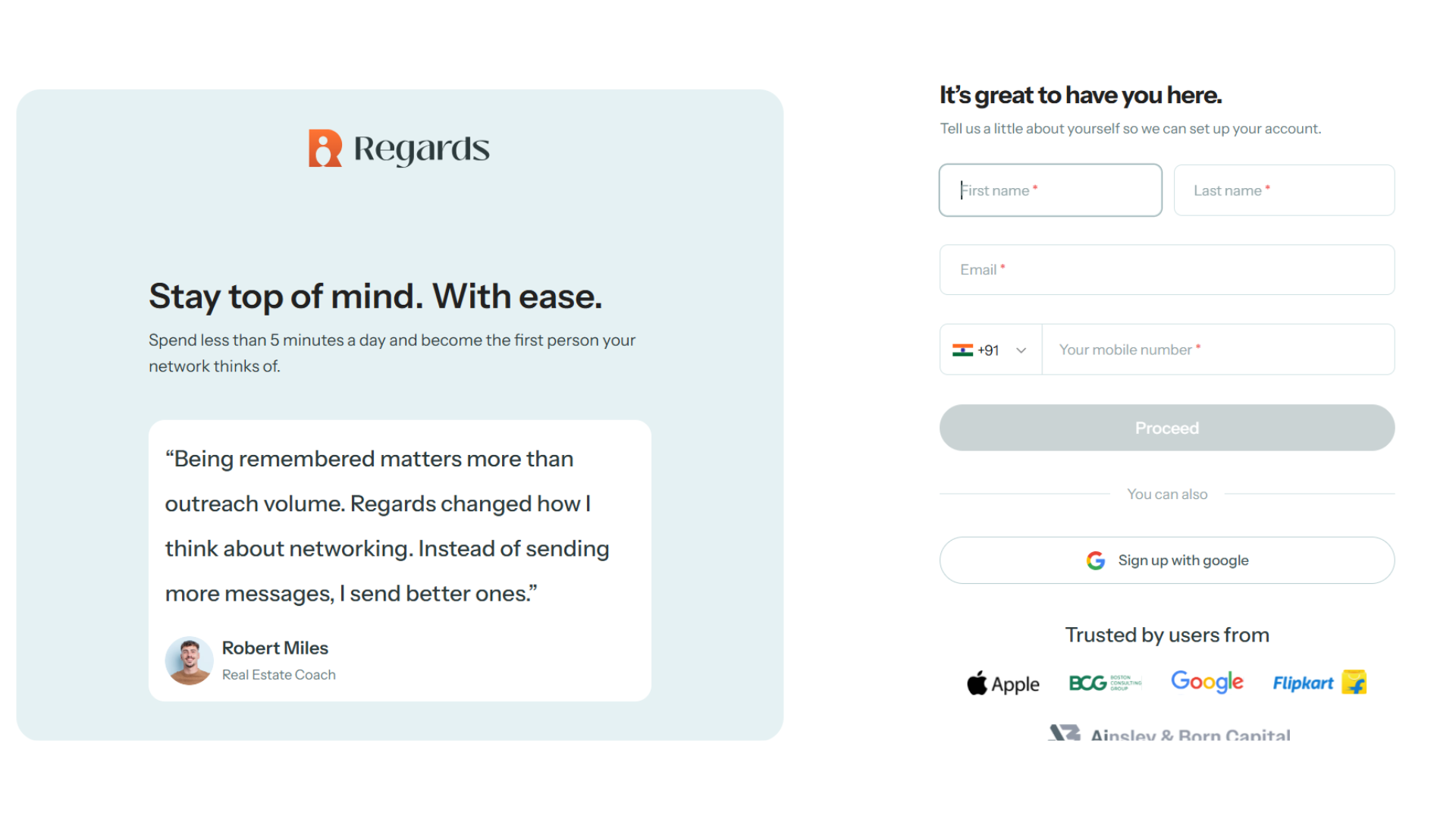
Use your web browser to open the following link: https://signup.regardsapp.ai/. Enter your first name, last name, email address, and phone number.
All fields are mandatory to get started.
-
Verify Email:
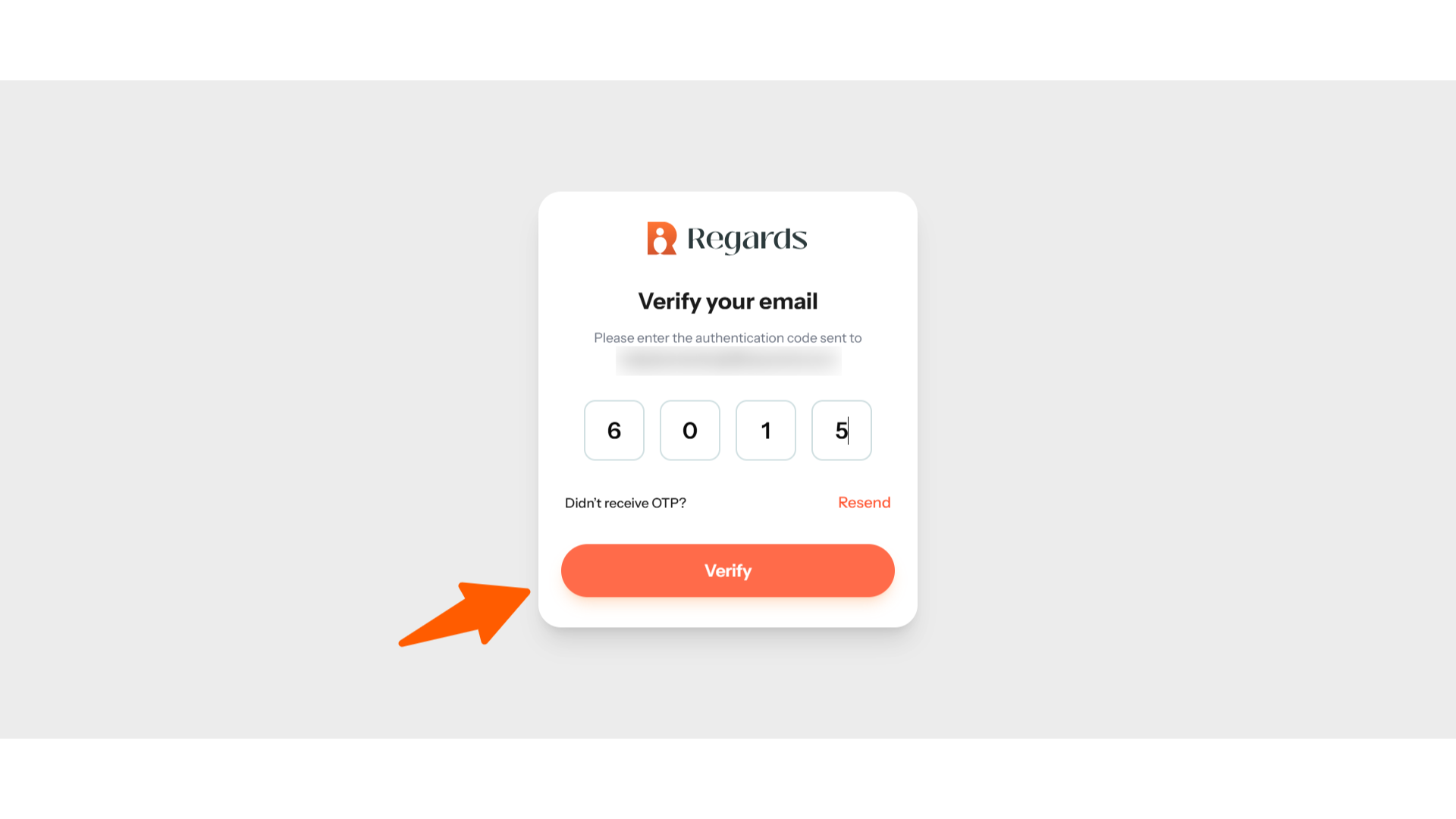
You will receive an OTP to verify your email. Enter the 6-digit OTP sent to your inbox. Once you click Verify, your account will be created successfully.
- Finalize:
Once your account is created successfully, you will receive a direct link to download the Regards AI mobile app. You will also receive an email with your login details.
From there you can download the app and login in to your account.

Phone account creation
In this section, you will learn how to create your Regards AI account on phone. The process is same for both android and iOS
- Open the App Store and search for “Regards AI.”
-
Once you find the app, click Get to download it.
You can also download the app directly using the provided link here

- Enter your email address to begin the process.

- You will receive a 4-digit OTP on your registered email. Enter the OTP to verify your email account.

- Once the verification is complete, continue to the next step.
- Enter your basic details such as your first name, last name and phone number to create your profile.

- That's all. Your account is created successfully and your 14-day free trial will be activated automatically.

- The next step is to set up your network on Regards AI.
Learn more on how to set up your account