3.3 How to delete a contact?
- Go to the Contacts page and click on the contact card to open the full profile.
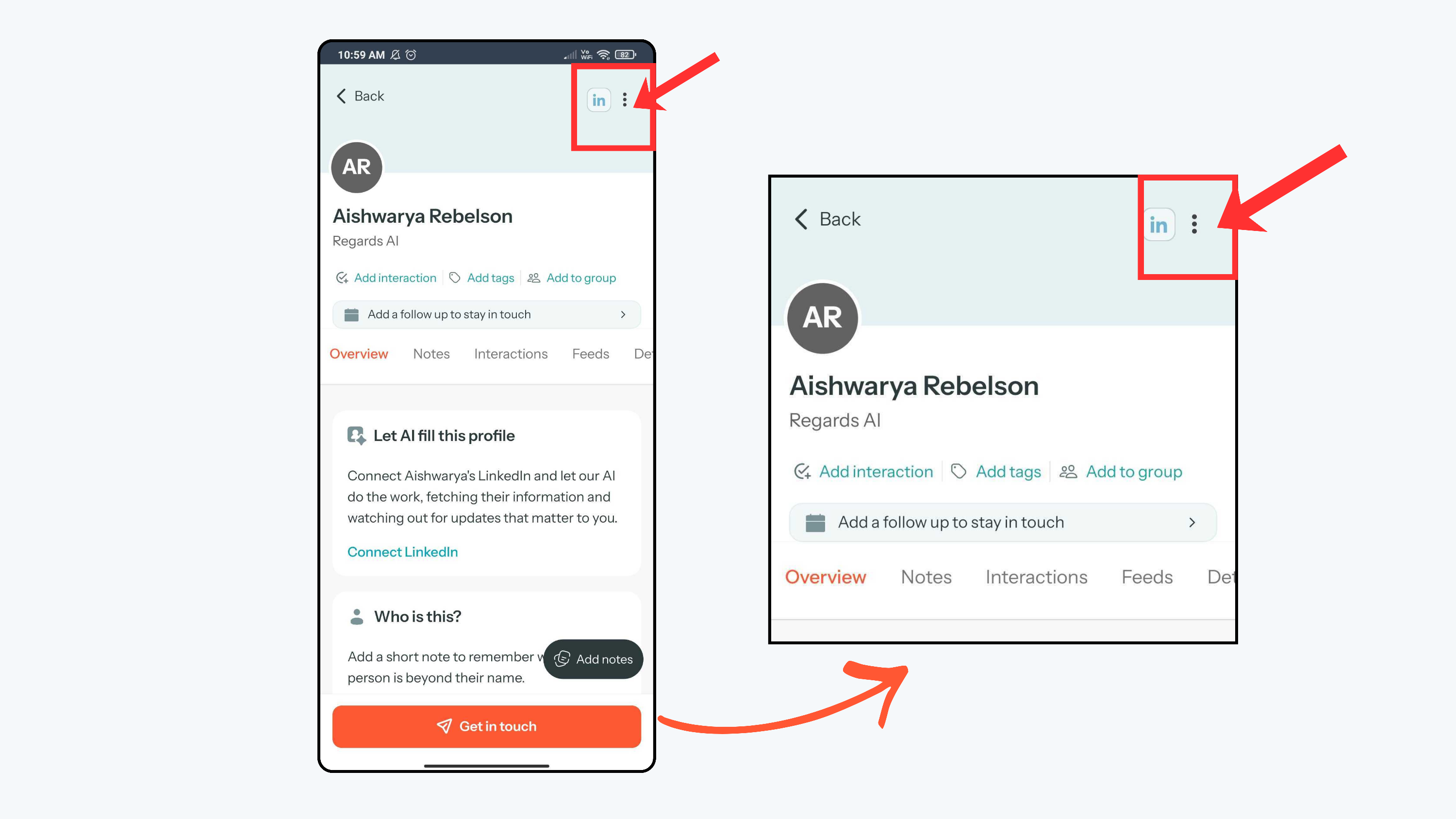
- Click the three dots in the top-right corner of the profile.
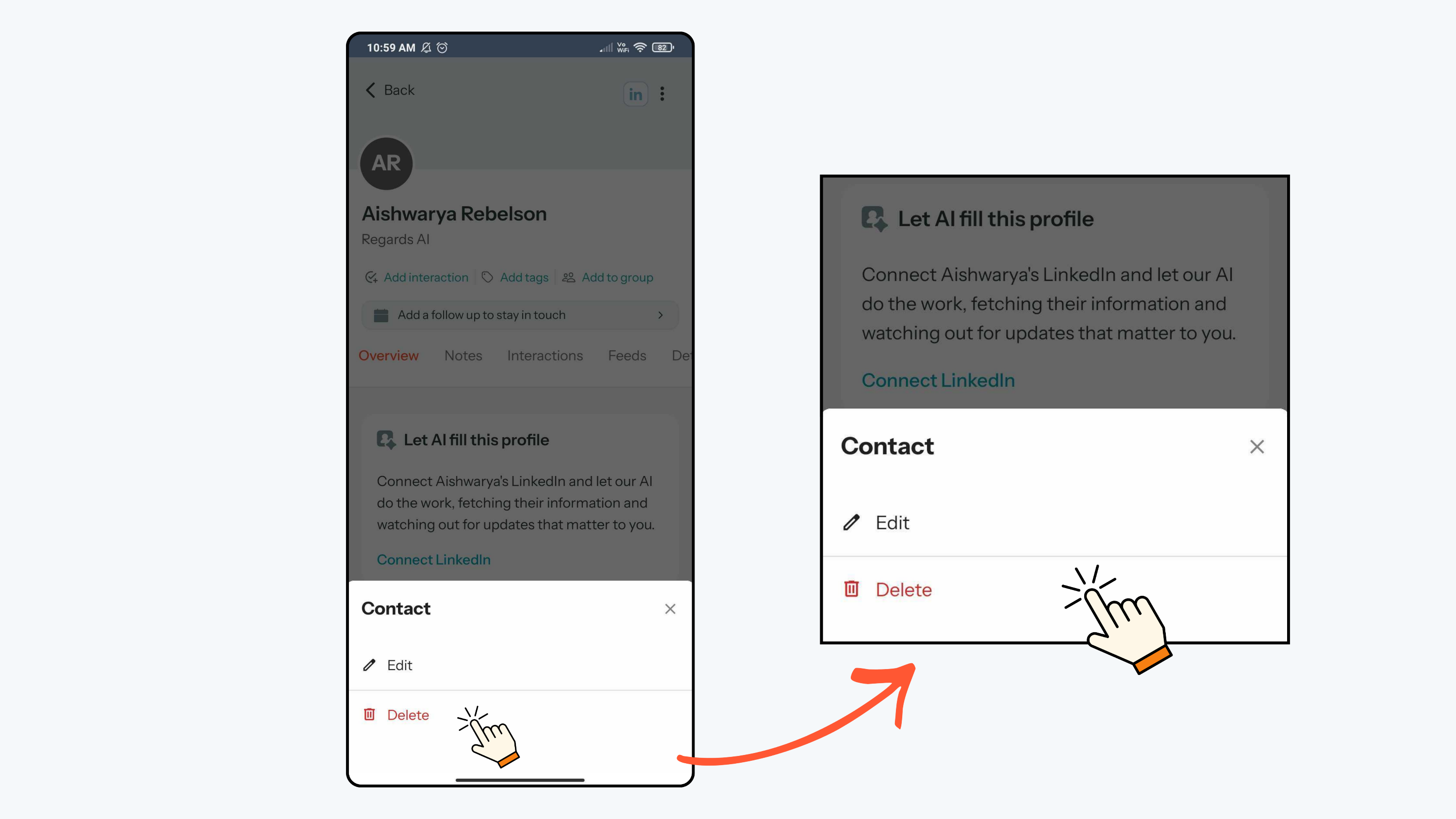
- From the menu options, click Delete.
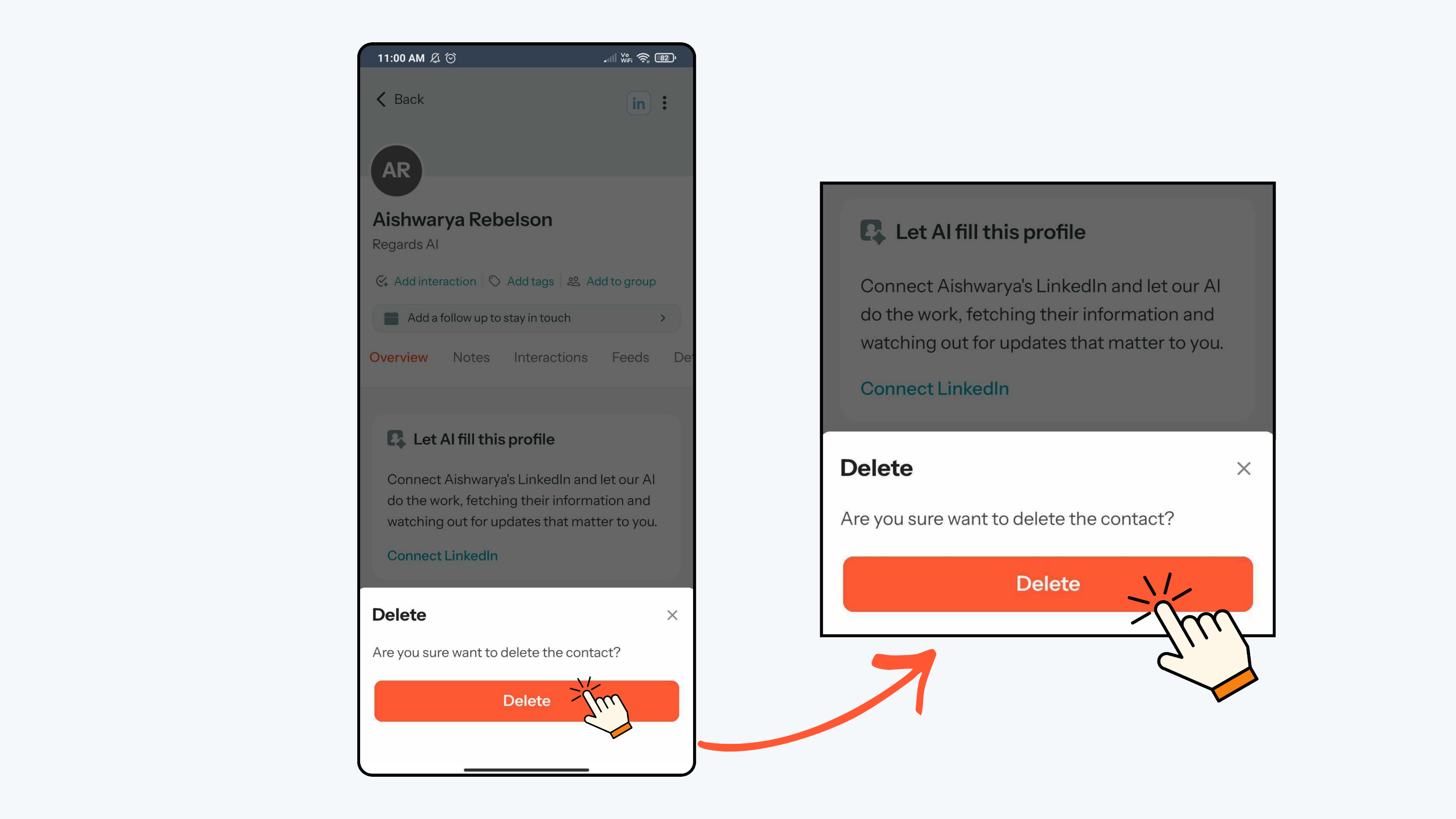
- Select Delete, and confirm when prompted.
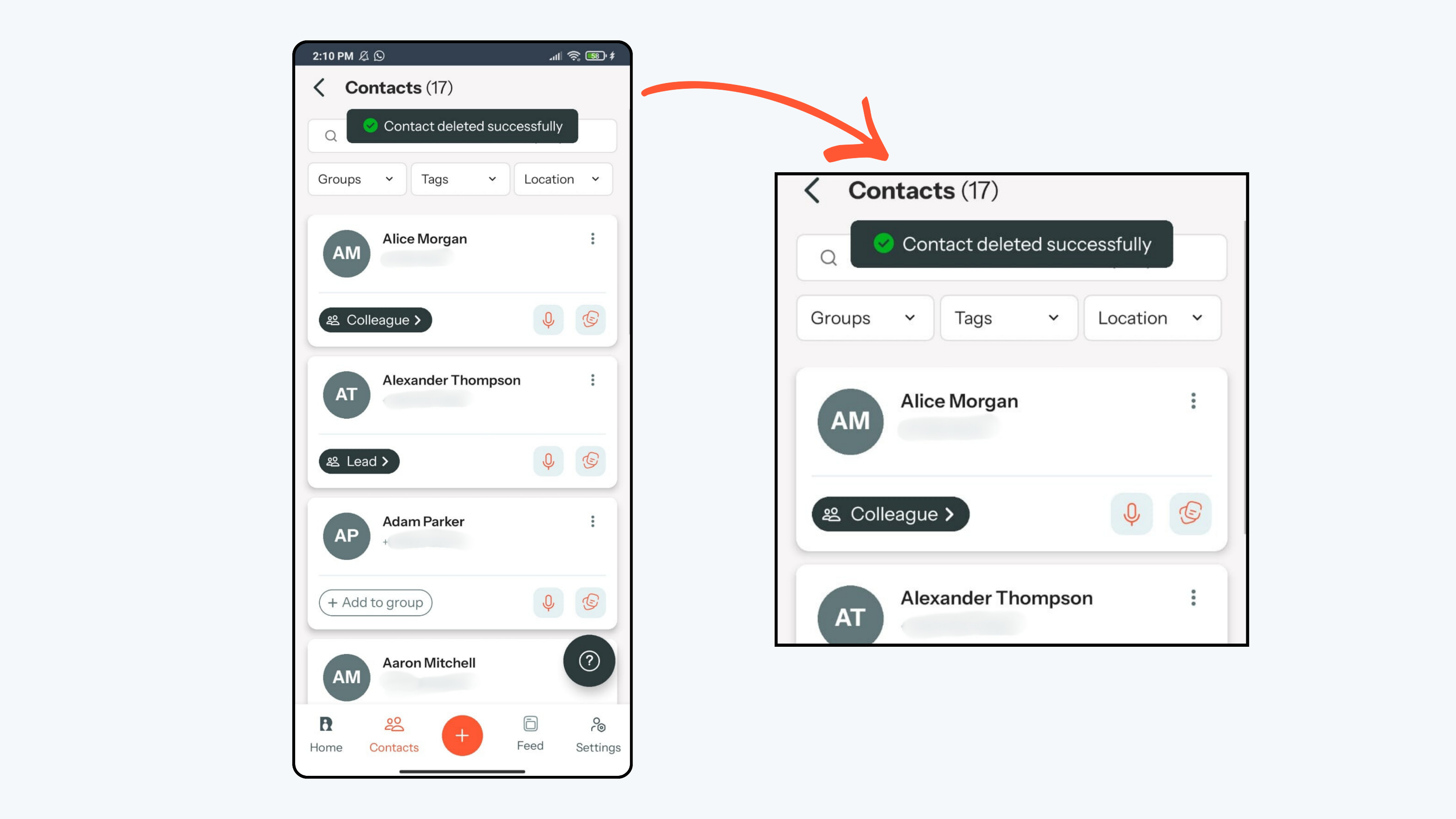
- The contact will get deleted successfully.
- When a contact is deleted, record is permanently removed from your Contacts list.
- All associated profile details and basic metadata linked to that contact will also be removed.
- Notes, timeline entries, and templates related to that contact may no longer be accessible through that record.
- Please note that deletion is permanent inside the app. There is no “Undo” option or recycle bin, so only delete a contact when you are sure you no longer need their history.

